From audio, image, video & PDF compression to conversion, extraction, editing, and file organization —
Privacy-first, fully offline. All processing stays on your PC.
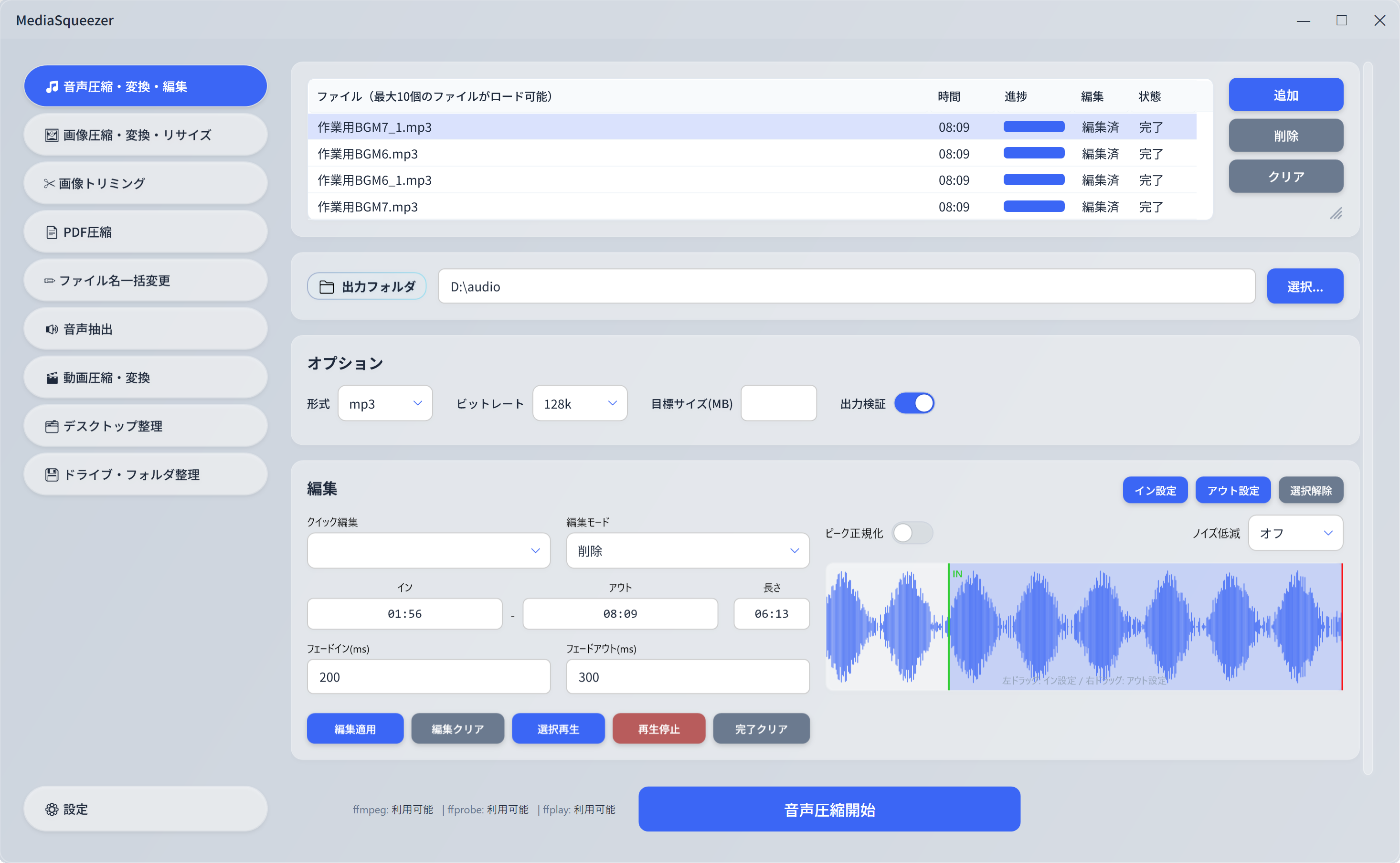
From format conversion and compression to light editing and automatic file organization — everything you need, right at your fingertips.
Supports 8 formats: MP3, WAV, AAC, FLAC, OGG, M4A, OPUS, WMA. Features waveform-based trim editing, fade in/out, peak normalization, and smart noise reduction. Batch compress or convert audio files with ease.
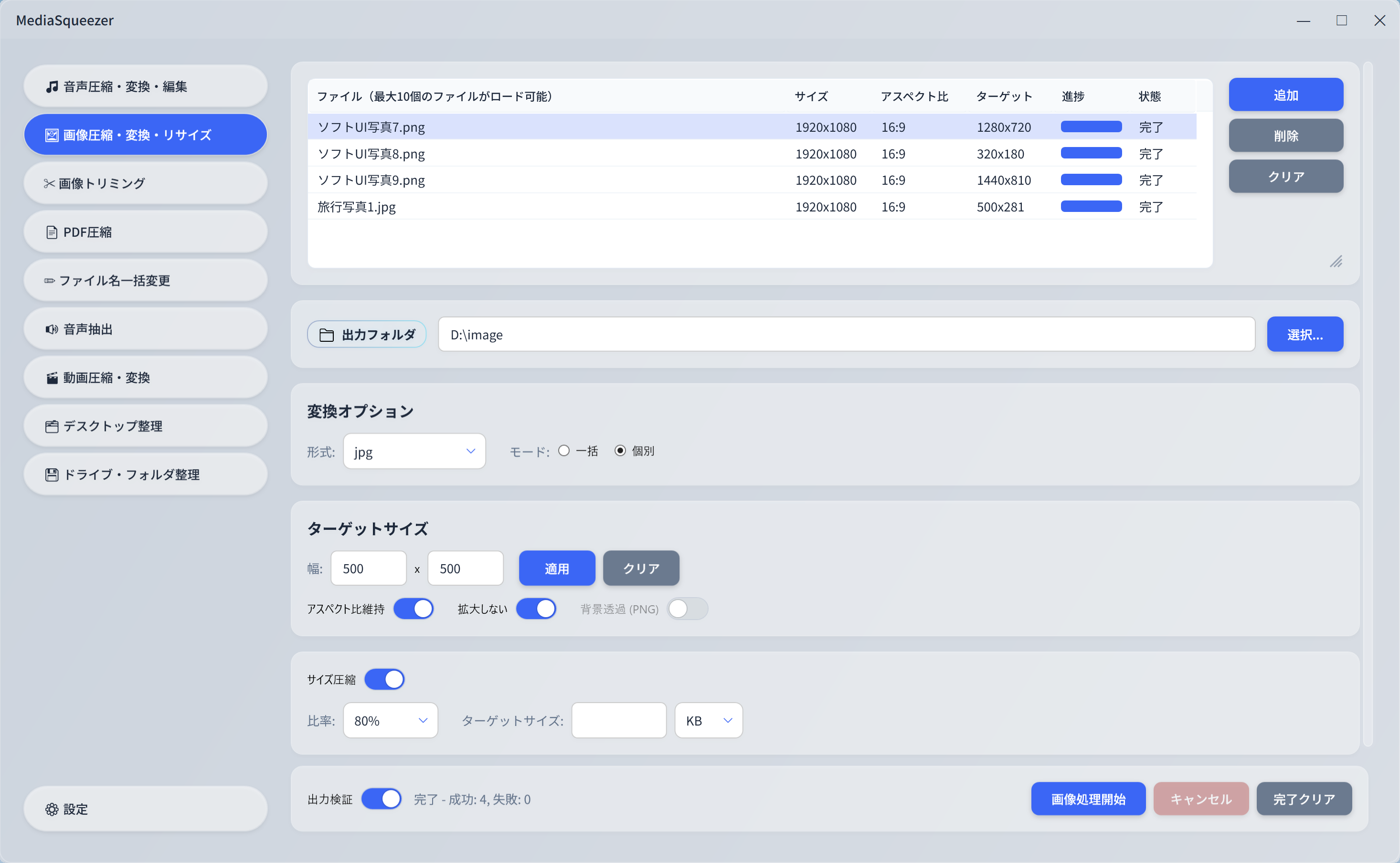
Supports 7 formats: PNG, JPG, WebP, BMP, TIFF, GIF. Batch compress and resize images while maintaining aspect ratio. Supports transparent backgrounds (PNG) and target file size specification.
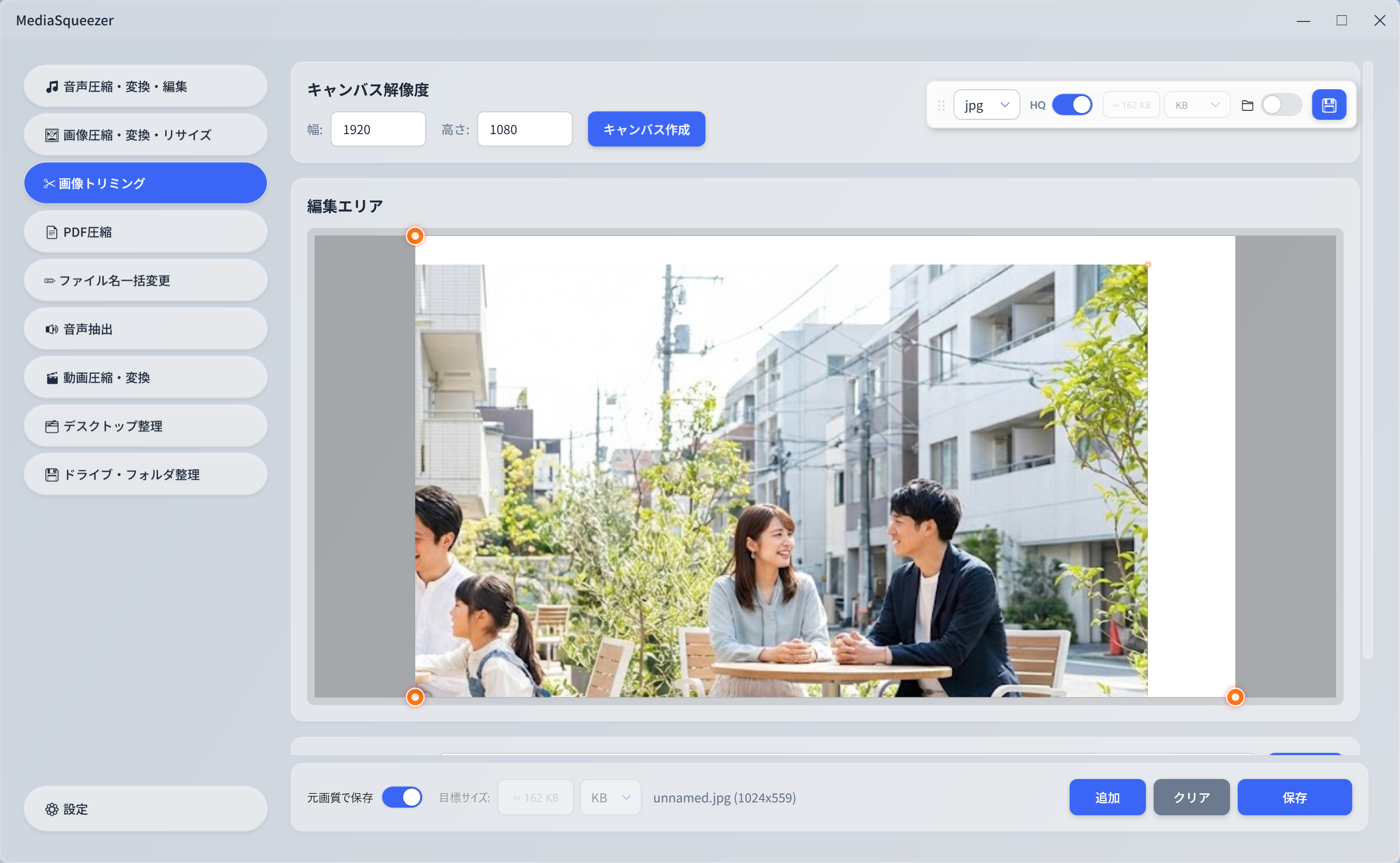
Save in PNG, JPG, or WebP format. Drag & drop onto a custom-resolution canvas and intuitively trim with resize handles. Preserves original quality, with HQ mode and target file size options.
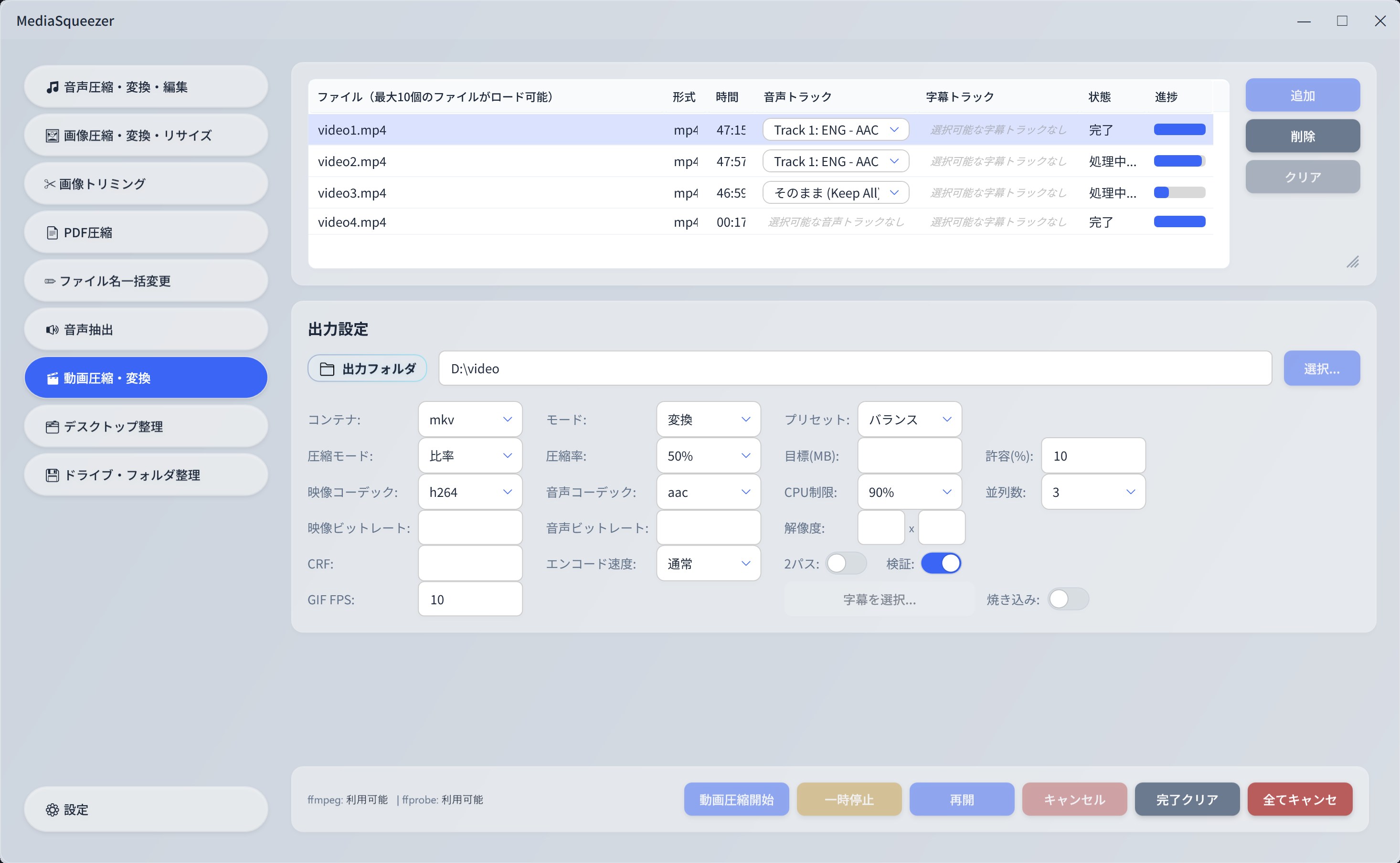
Supports 13+ formats: MP4, MKV, MOV, AVI, WebM, FLV, WMV, M4V, MPEG, 3GP, GIF and more. H.264/H.265 encoding, 2-pass encoding, GIF conversion, and subtitle burn-in. Easily compress & convert videos on Windows.
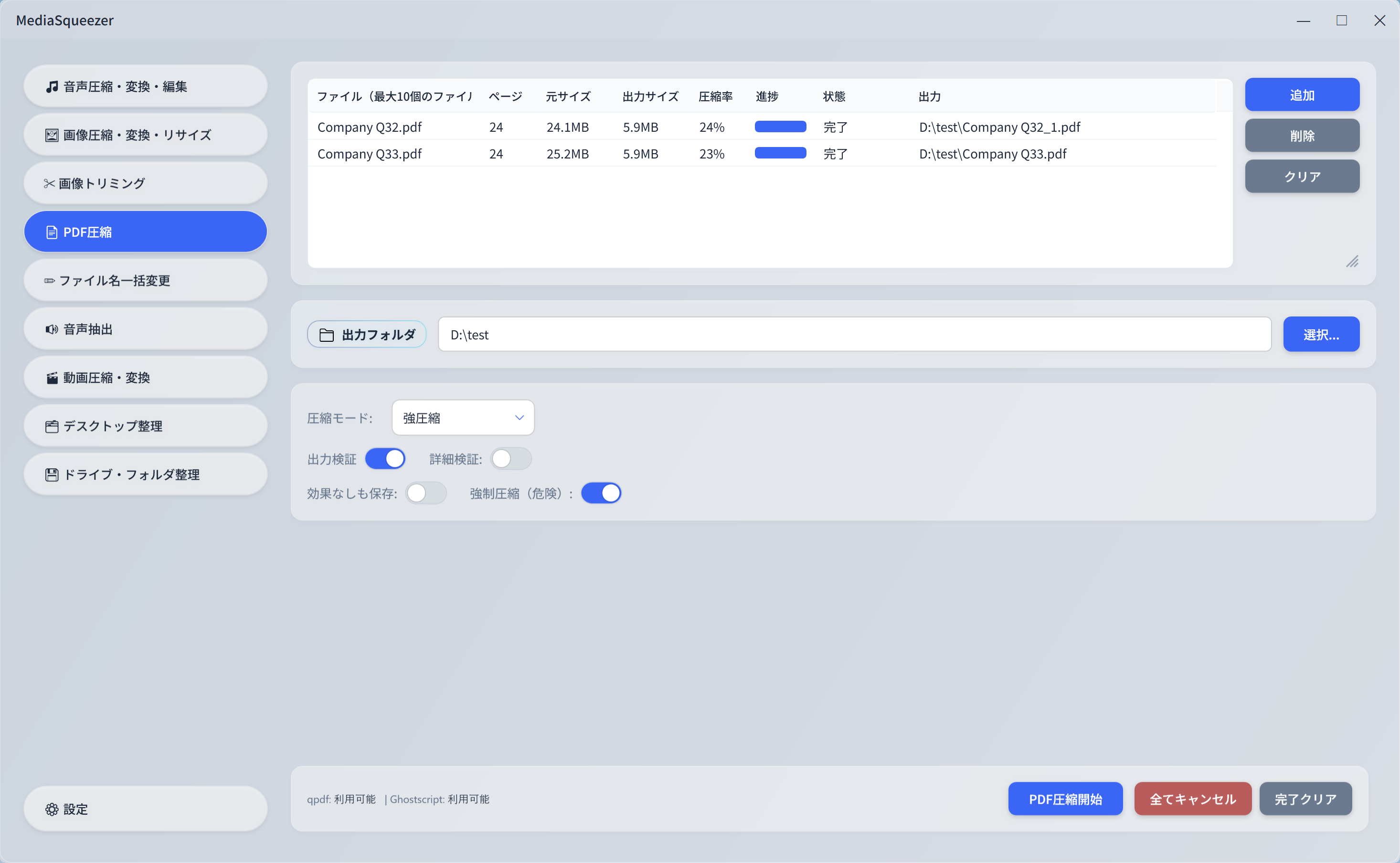
Optimize PDFs with 3 modes: lossless, balanced, and aggressive compression. Detects password-protected PDFs and auto-identifies text, scanned, or mixed PDFs to apply optimal compression. Significantly reduce PDF file sizes.
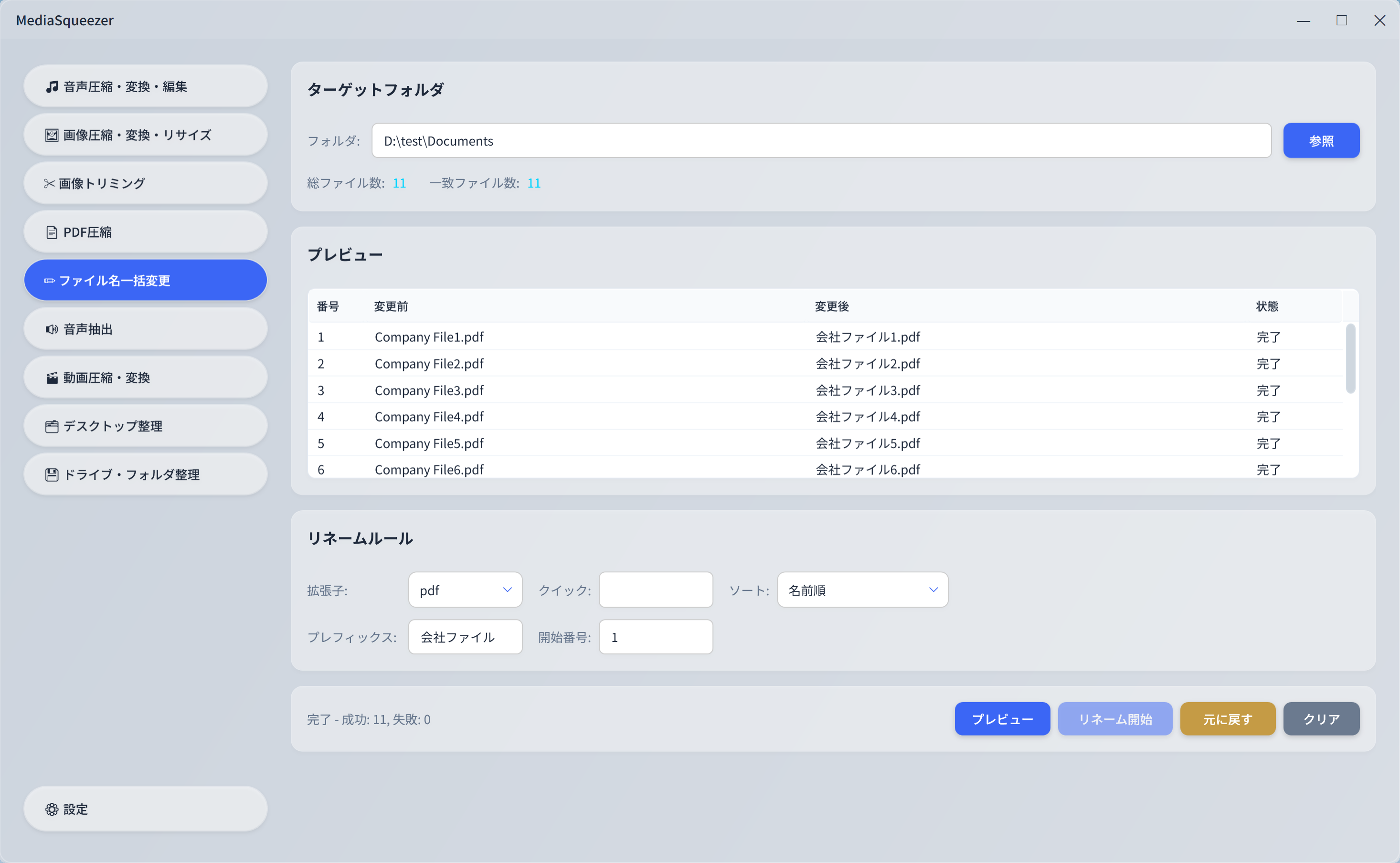
Rename files in bulk with 50+ extension presets for filtering. Add prefix + sequential numbering. 7 sort options, before-change preview, and undo functionality. Perfect for organizing large numbers of files.
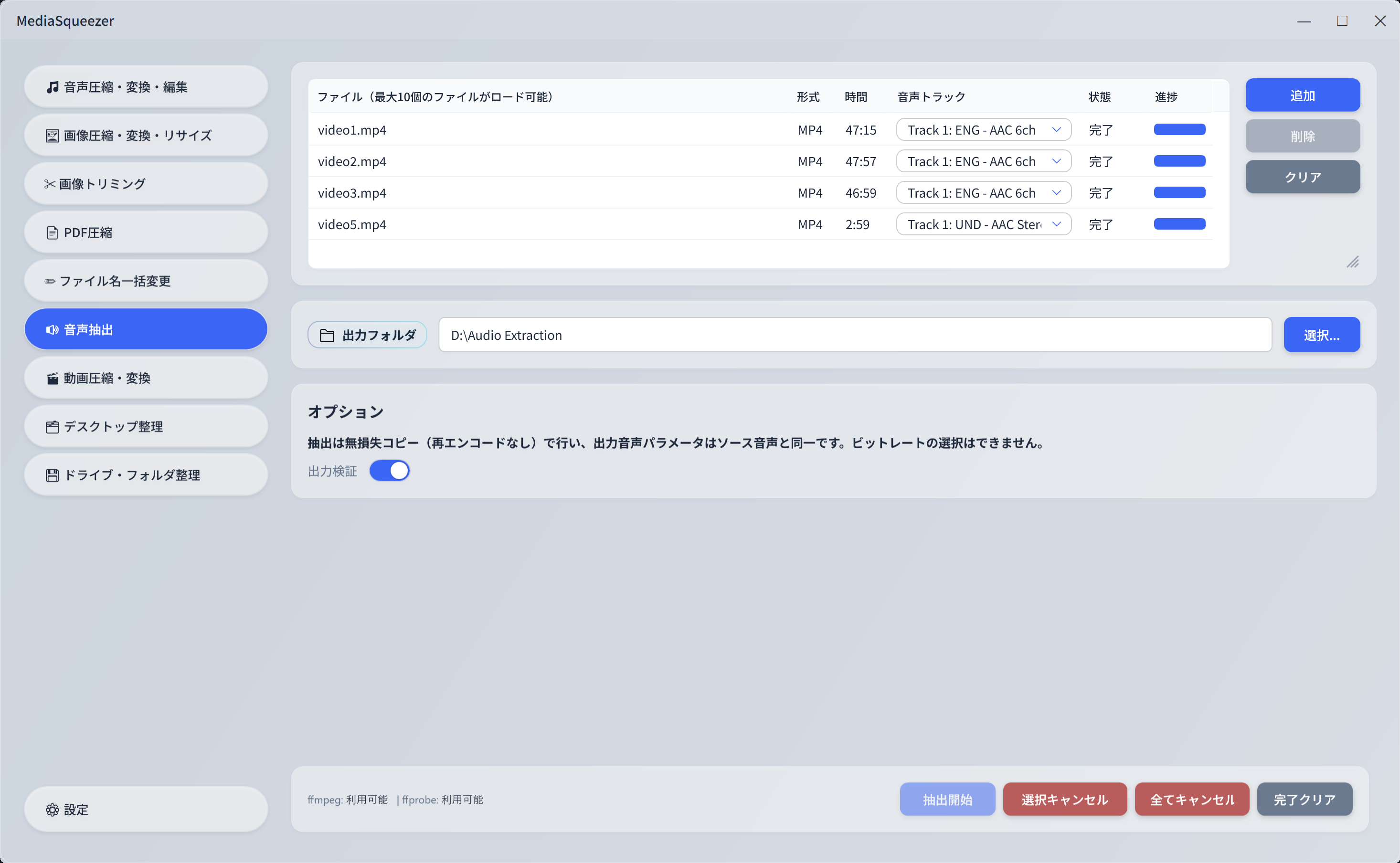
Extract audio from MP4, MKV, AVI, MOV, WebM, FLV and more. Lossless processing without re-encoding preserves original quality. Perfect for extracting just the audio track from videos. Supports track selection & batch processing.
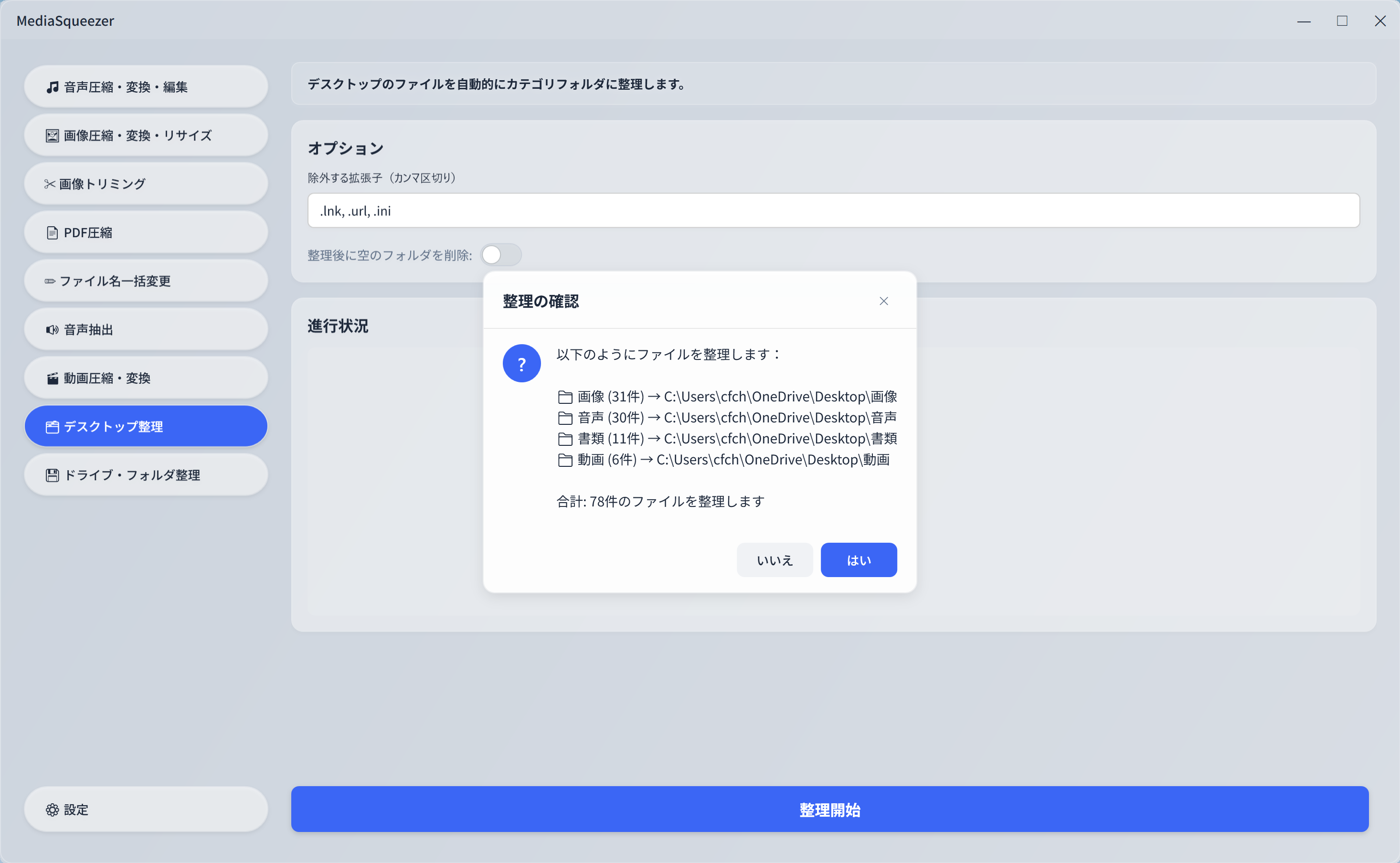
Automatically organize a cluttered desktop. Auto-sorts files into 7 categories: images, audio, video, documents, archives, apps, and more. Clean up your desktop with one click.
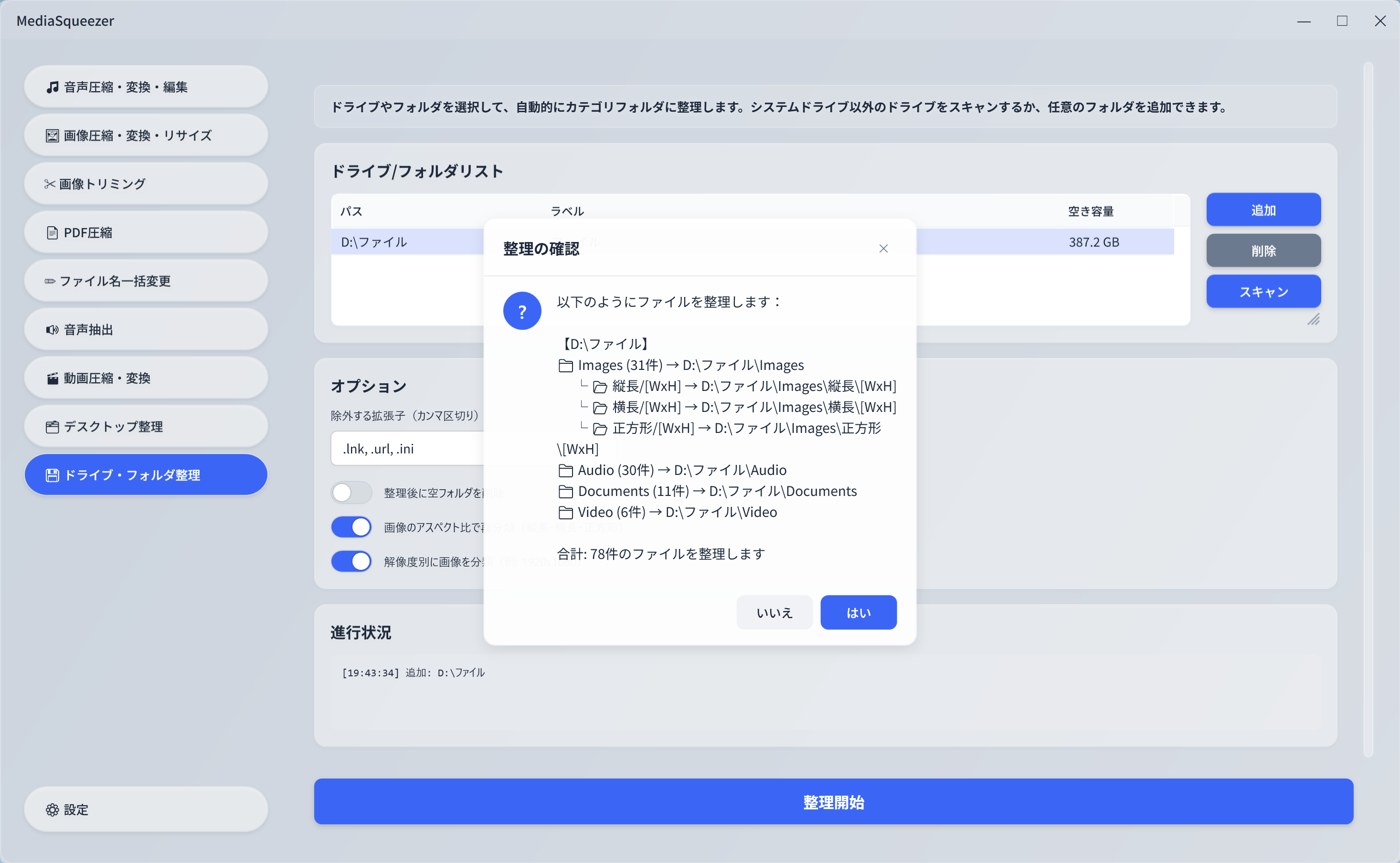
Automatically organize and sort files in any drive or folder. Supports advanced re-classification by image aspect ratio (portrait, landscape, square) and resolution. Dramatically reduce file organization effort.
We've prepared a guide page with detailed usage instructions for each feature, setup procedures for required tools, and frequently asked questions.